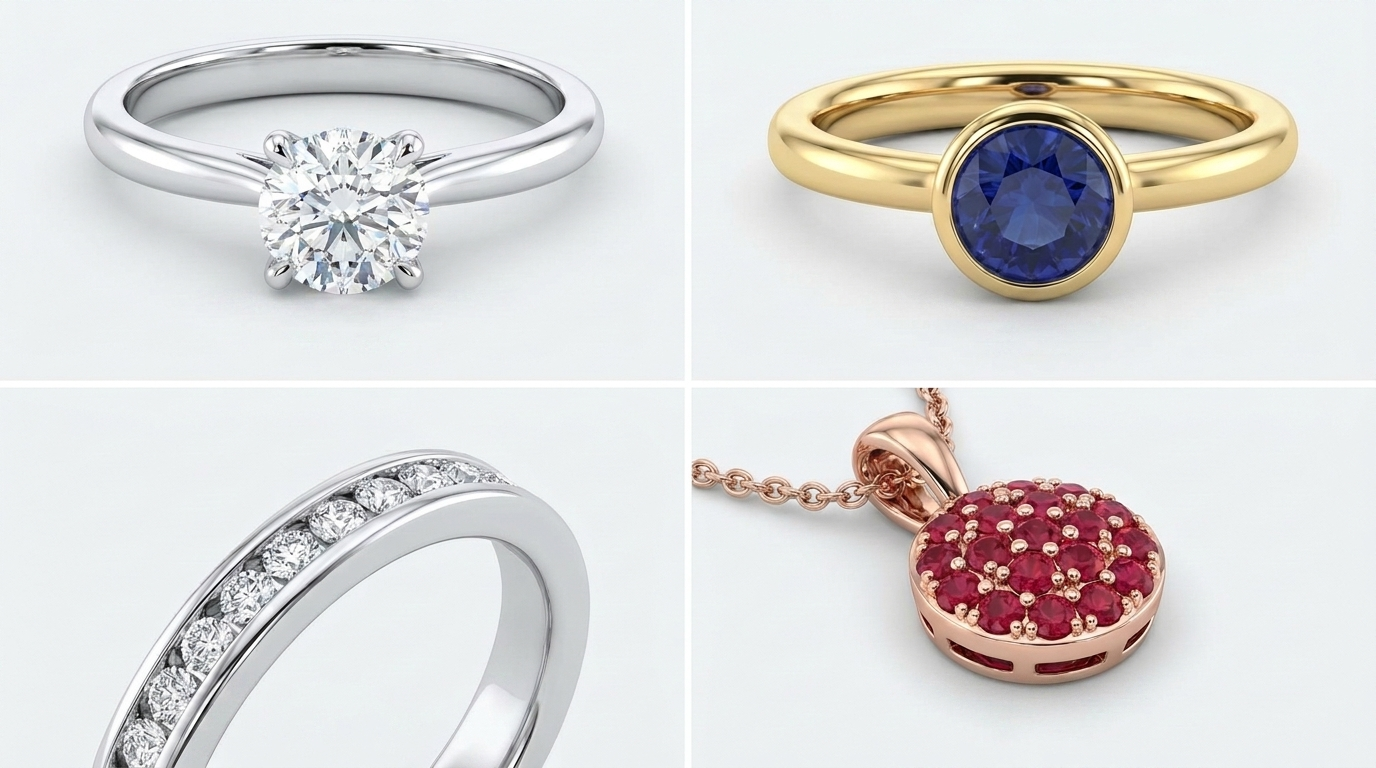
The most common gemstone settings — prong, bezel, pavé, and channel — each require different 3D modeling approaches to ensure the stone sits securely while still being modeled to exact manufacturing tolerances. Here’s what distinguishes each.
Prong Setting
The most common setting style, using small metal claws to hold the stone in place while maximizing light exposure and sparkle. In 3D modeling, prong height and angle must be precisely calculated to secure the stone without obstructing its brilliance.
Bezel Setting
A metal rim fully or partially surrounds the stone, offering excellent protection — a popular choice for active daily wear. Bezel settings require precise diameter matching between the stone and the metal rim in the CAD file.
Pavé Setting
Small stones are set closely together across a surface, secured by tiny beads of metal. This is one of the more technically demanding settings to model, requiring careful spacing calculations so stones don’t touch or create weak points in the metal.
Channel Setting
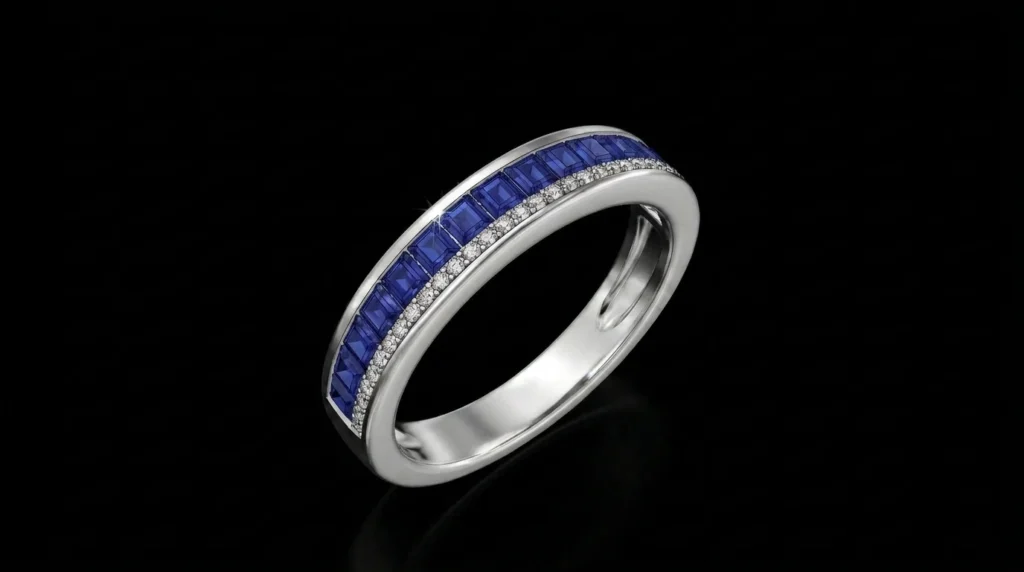
Stones are set in a row between two metal walls, with no visible prongs — commonly used in wedding bands. The channel width must be modeled precisely to hold stones securely while allowing enough light through for sparkle.
Why Setting Choice Affects Design Complexity and Timeline
More intricate settings (pavé especially) require additional modeling time due to the precision needed for stone spacing and structural integrity — this is one of the main factors that can extend a project’s timeline beyond a simple solitaire setting.
Frequently Asked Questions
- Which gemstone setting is most durable for everyday wear?
Bezel settings are generally considered the most protective and durable for daily wear since the stone is fully or mostly enclosed.
- Can multiple setting types be combined in one piece?
Yes, this is common — for example, a prong-set center stone with a pavé-set band.
- Does setting type affect the final manufacturing file requirements?
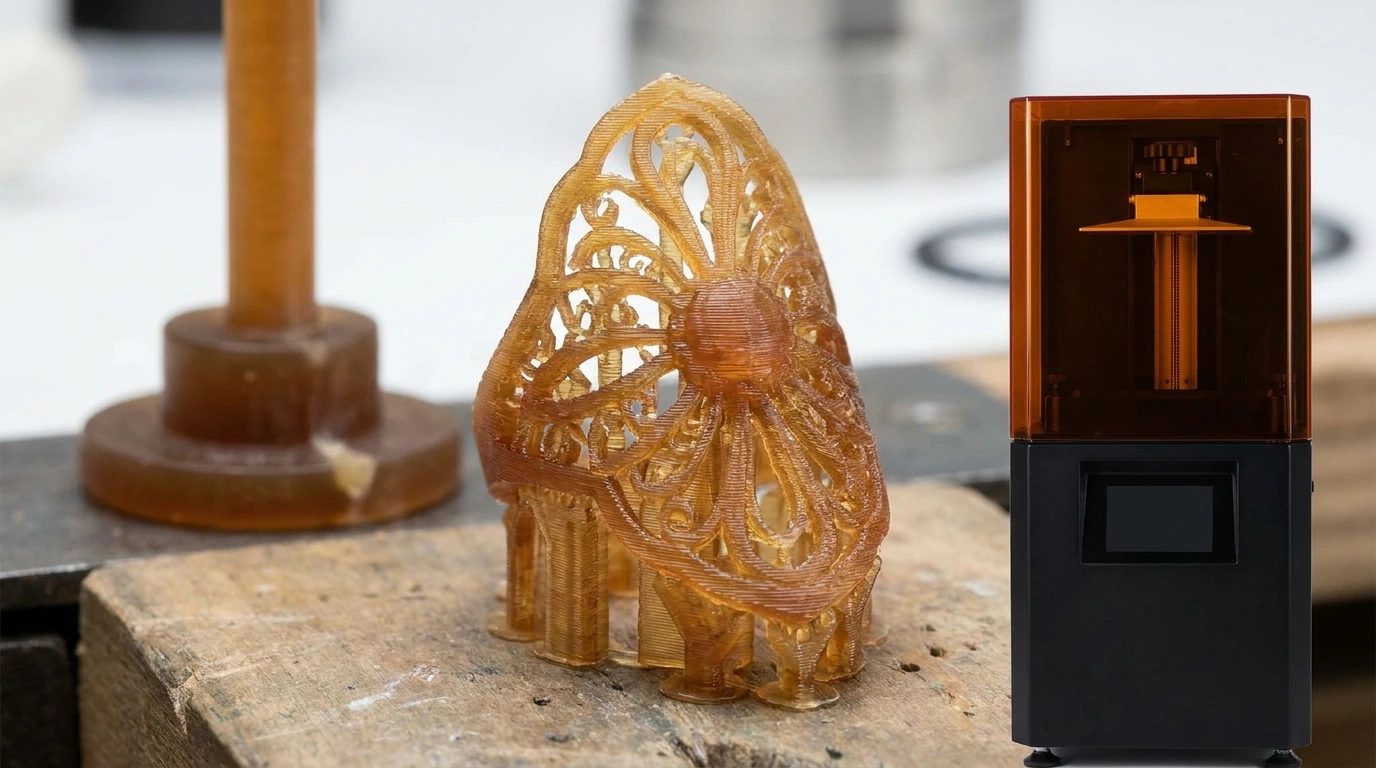
Yes — different settings require different minimum wall thicknesses and structural considerations in the final STL file.