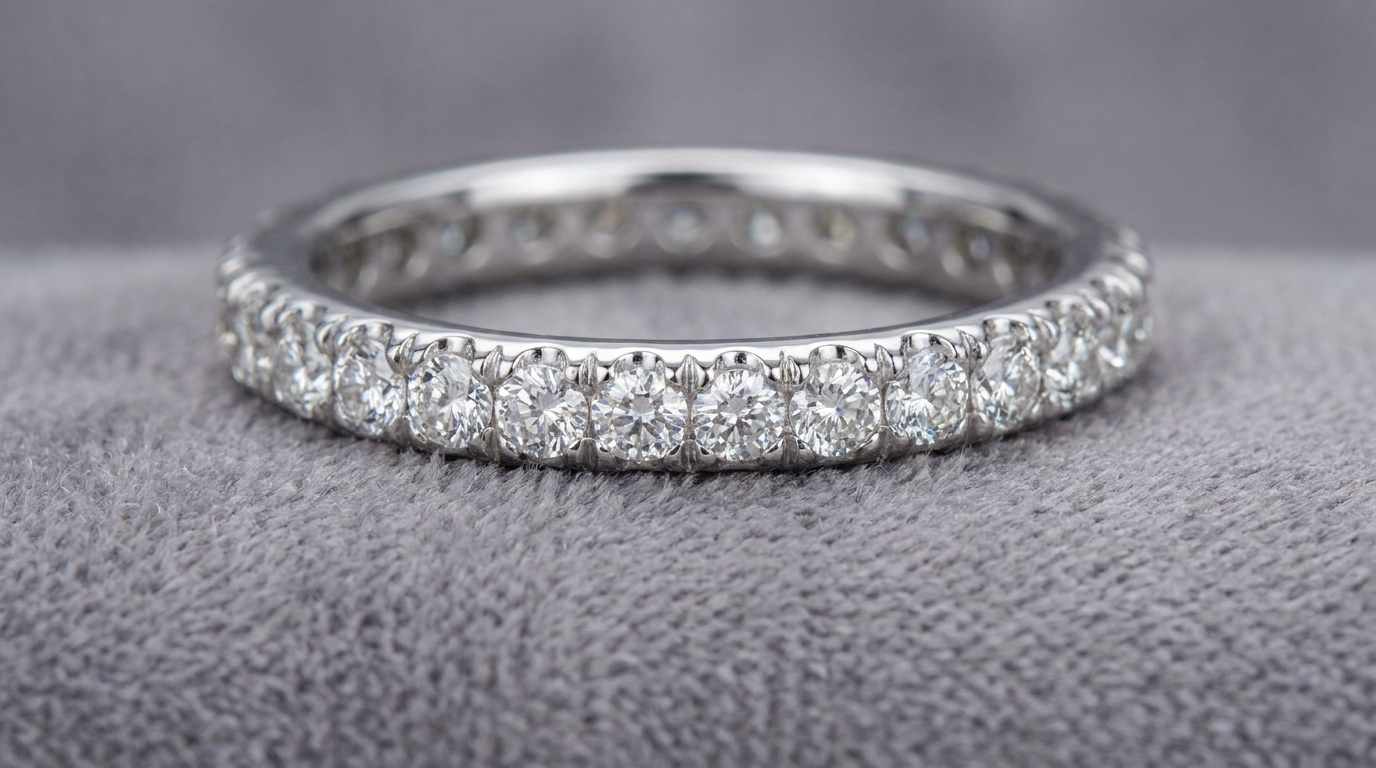
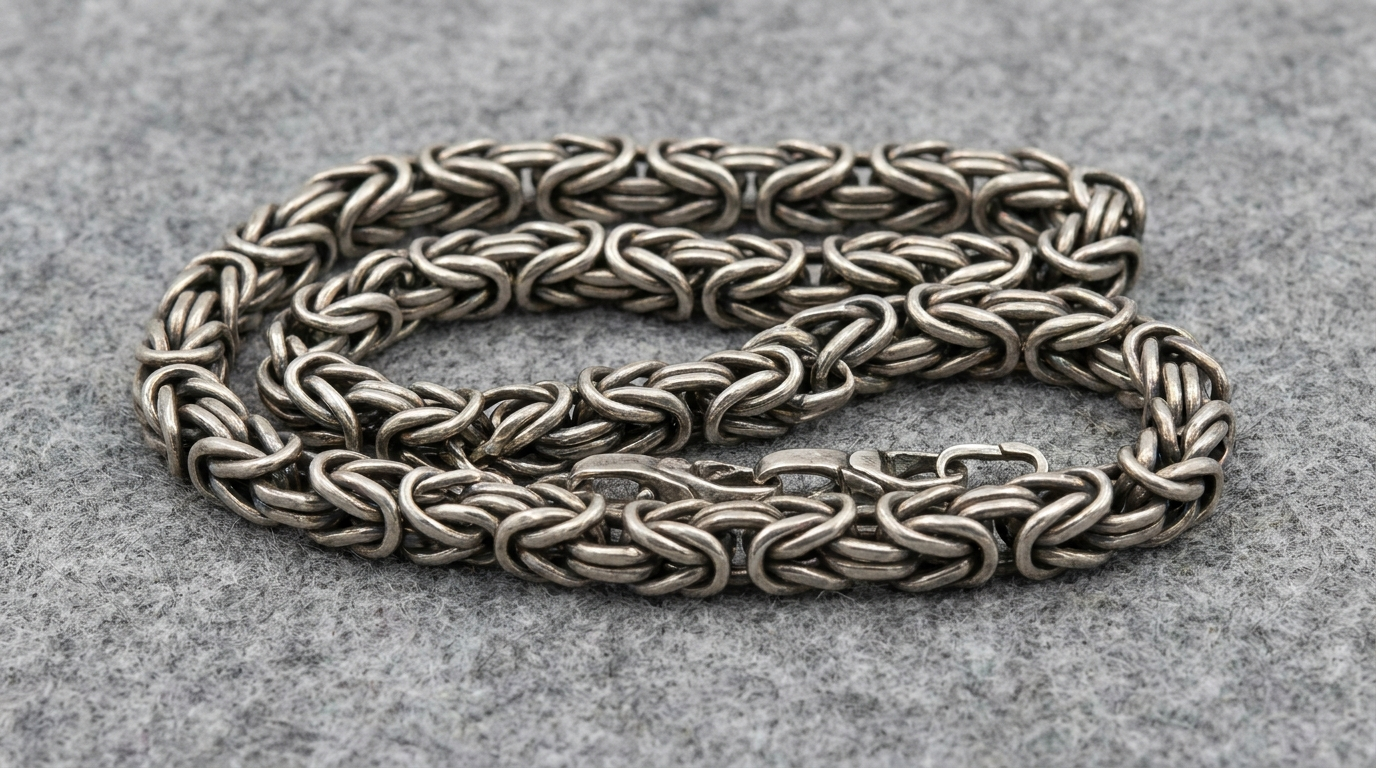
Pendant design 3D modeling requires four decisions upfront — overall dimensions, bail style, stone setup, and chain compatibility — because each one changes how the piece hangs, feels, and holds up in daily wear.
Dimensions and Proportion
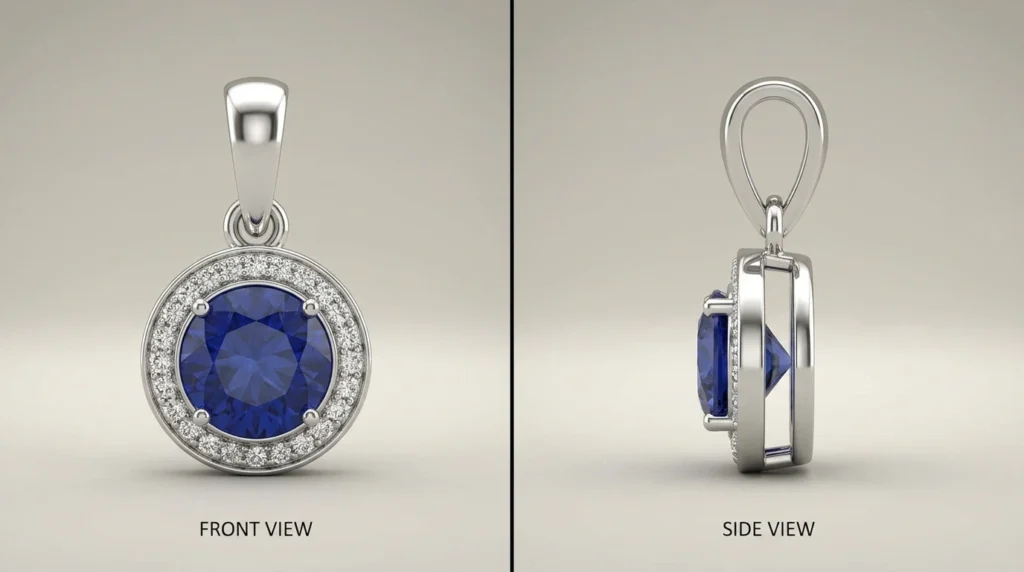
Specify height and width in millimeters, plus thickness. A pendant that looks balanced on screen can feel oversized when worn, so reference real-world scale rather than judging from the render alone.
Bail Style Matters
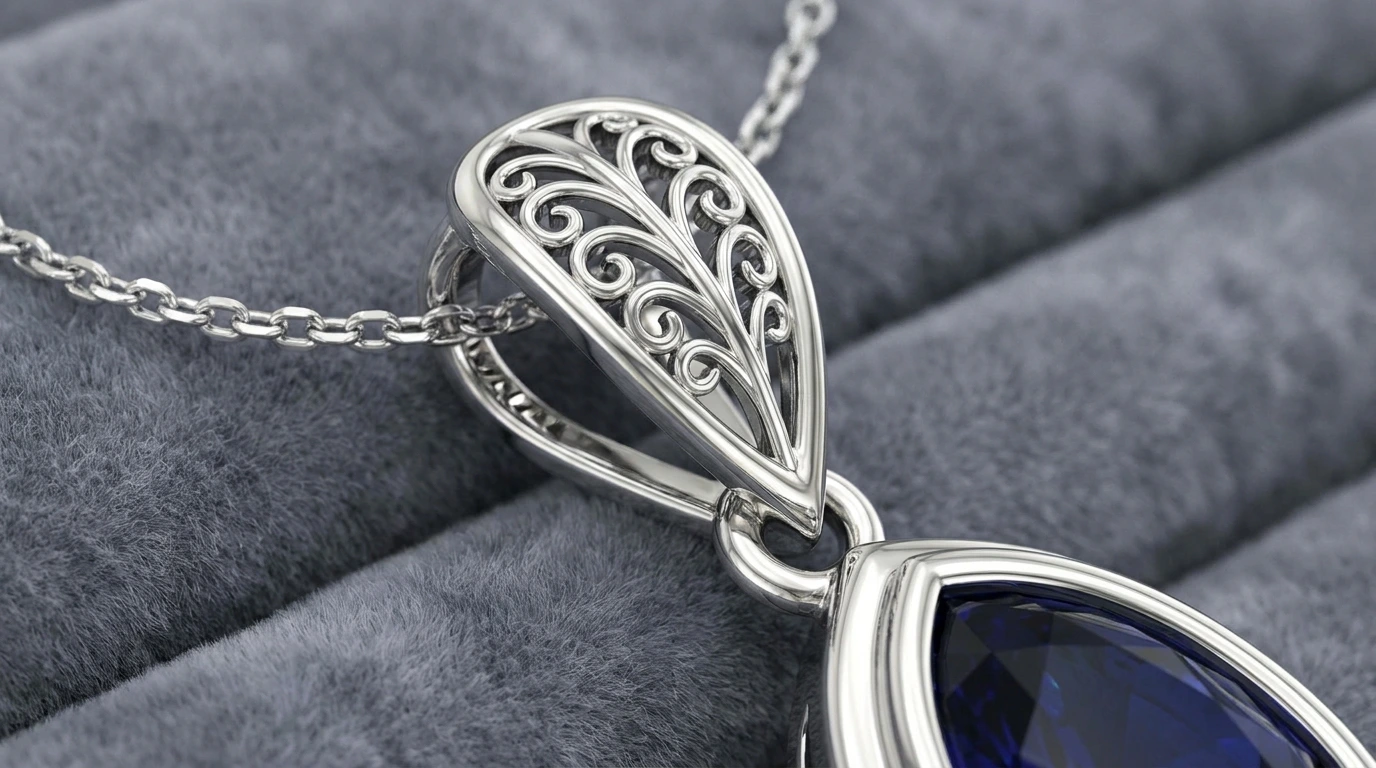
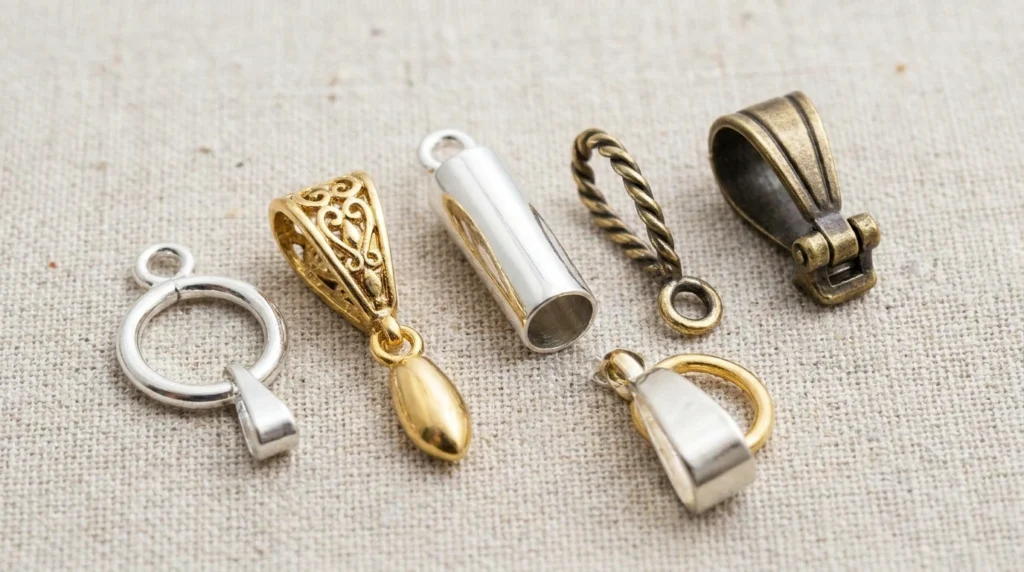
The bail (the loop connecting pendant to chain) controls how the piece hangs. Hidden bails give a clean look, while visible bails add a design feature. The inner opening must fit your intended chain thickness.
Stone Setup and Back Design
If the pendant has stones, specify setting type and whether the back should be open (more light, lighter weight) or closed (more durable, easier to engrave).
Weight Considerations
Heavier pendants hang differently and need stronger bails. Mention target weight or metal type early so the structure can be sized correctly.
Frequently Asked Questions
- Can I add engraving to the back of a pendant?
Yes, engraving areas can be modeled into the back surface and previewed in the render.
- How do I make sure my chain fits the bail?
Share your chain’s thickness so the bail opening can be sized with proper clearance.
- Is a pendant simpler to model than a ring?
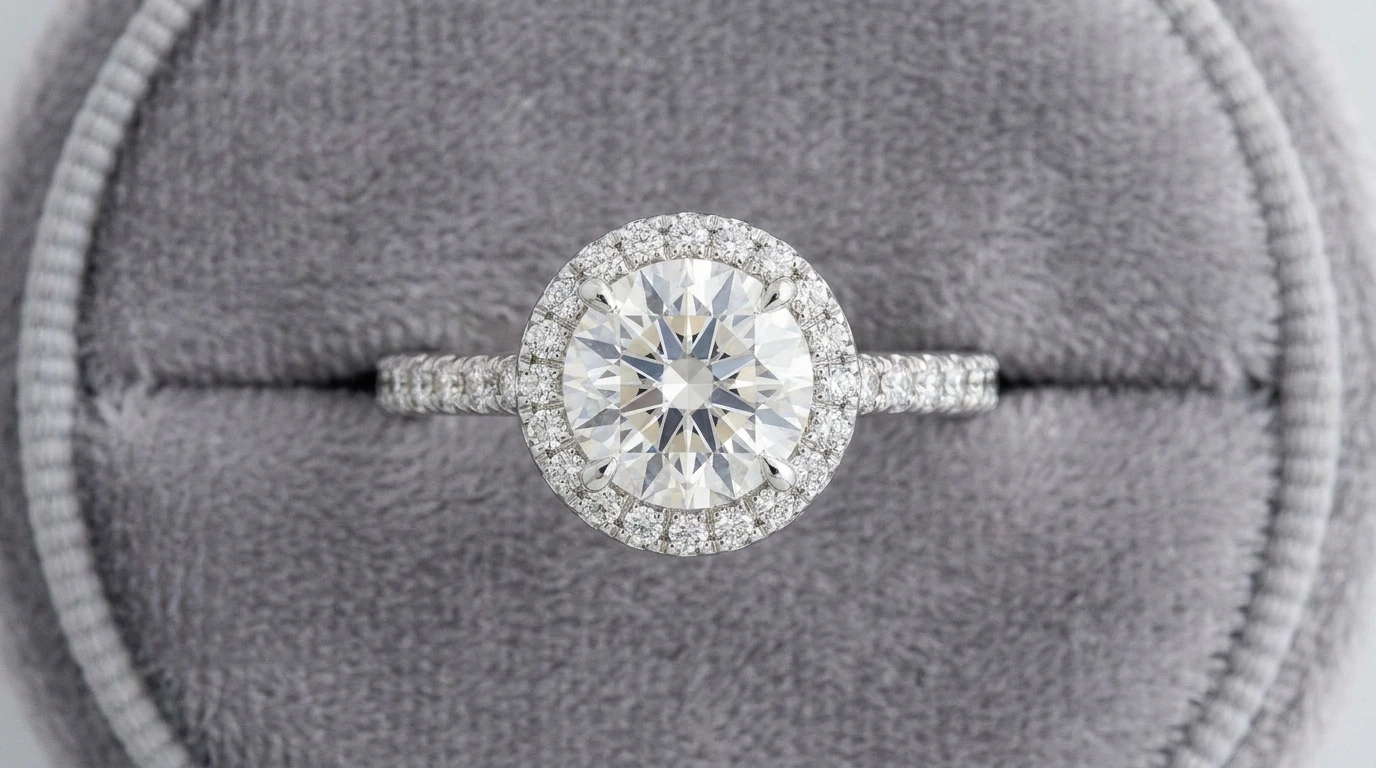
Often yes, unless it includes intricate stone work or detailed back designs.