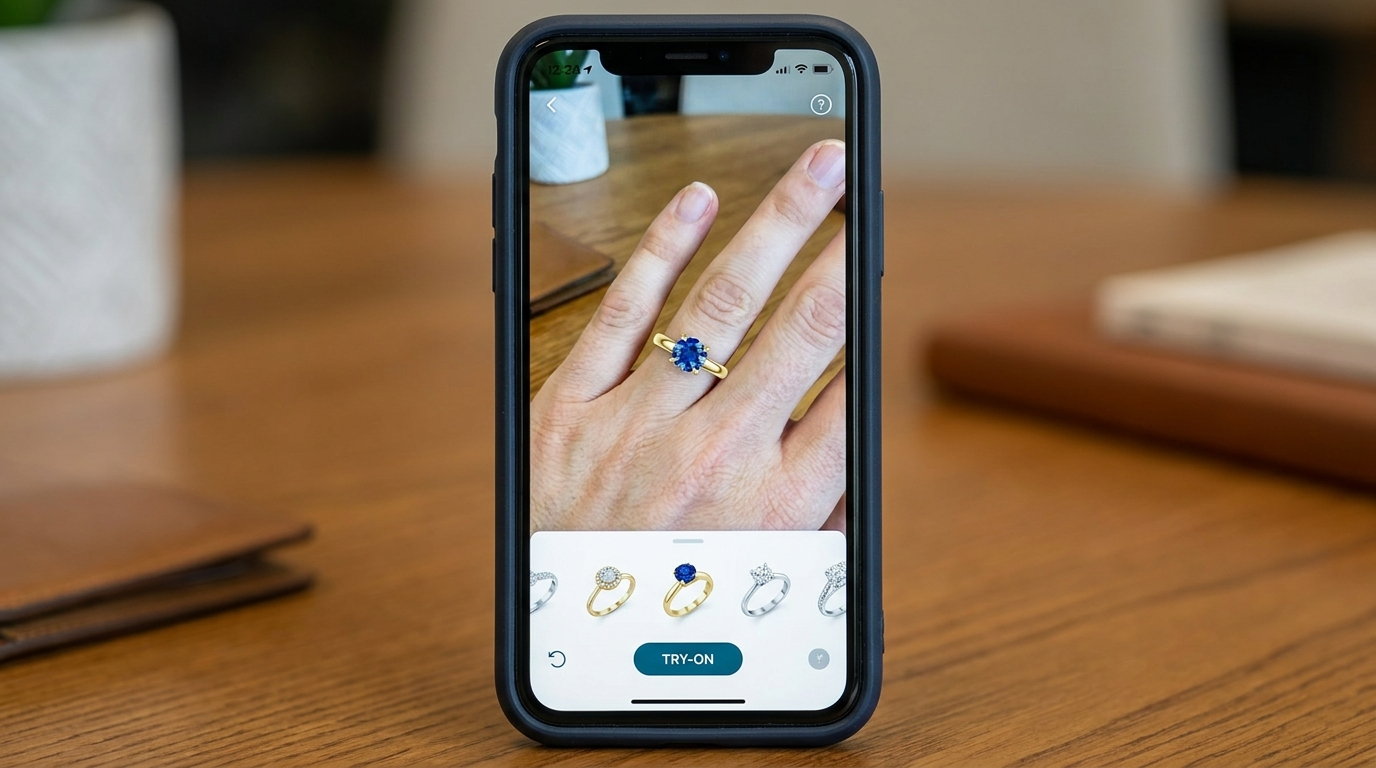
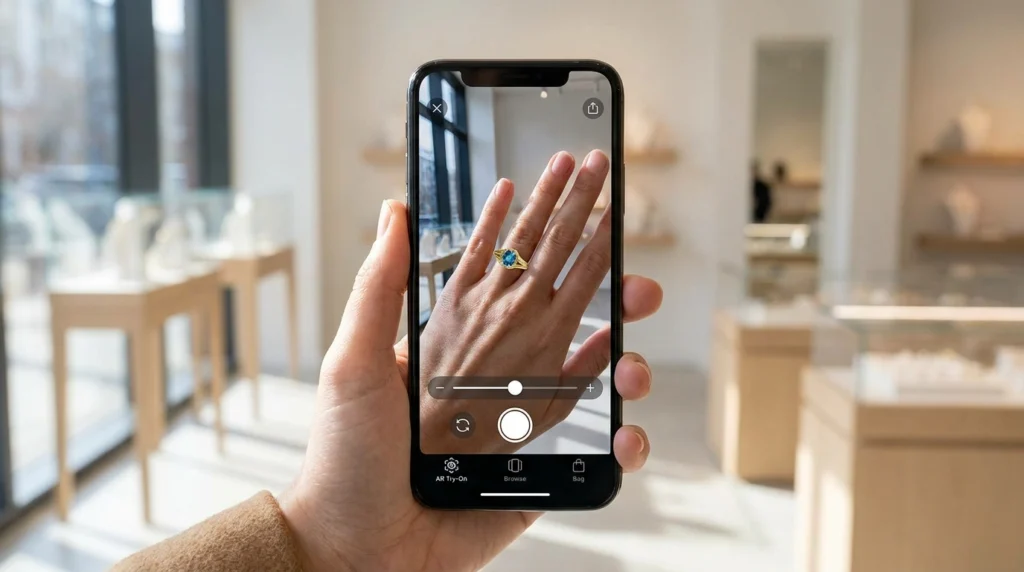
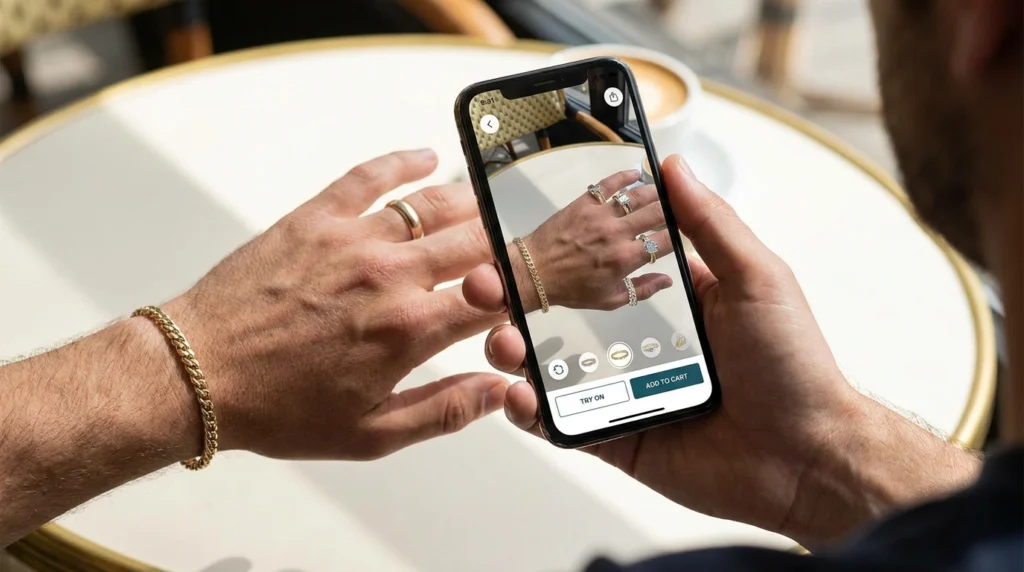
AR try-on technology uses the same underlying 3D jewelry models created during the design process, adapted into formats compatible with AR platforms, letting shoppers virtually preview a piece on their own hand through a smartphone camera.
How AR Try-On Actually Works
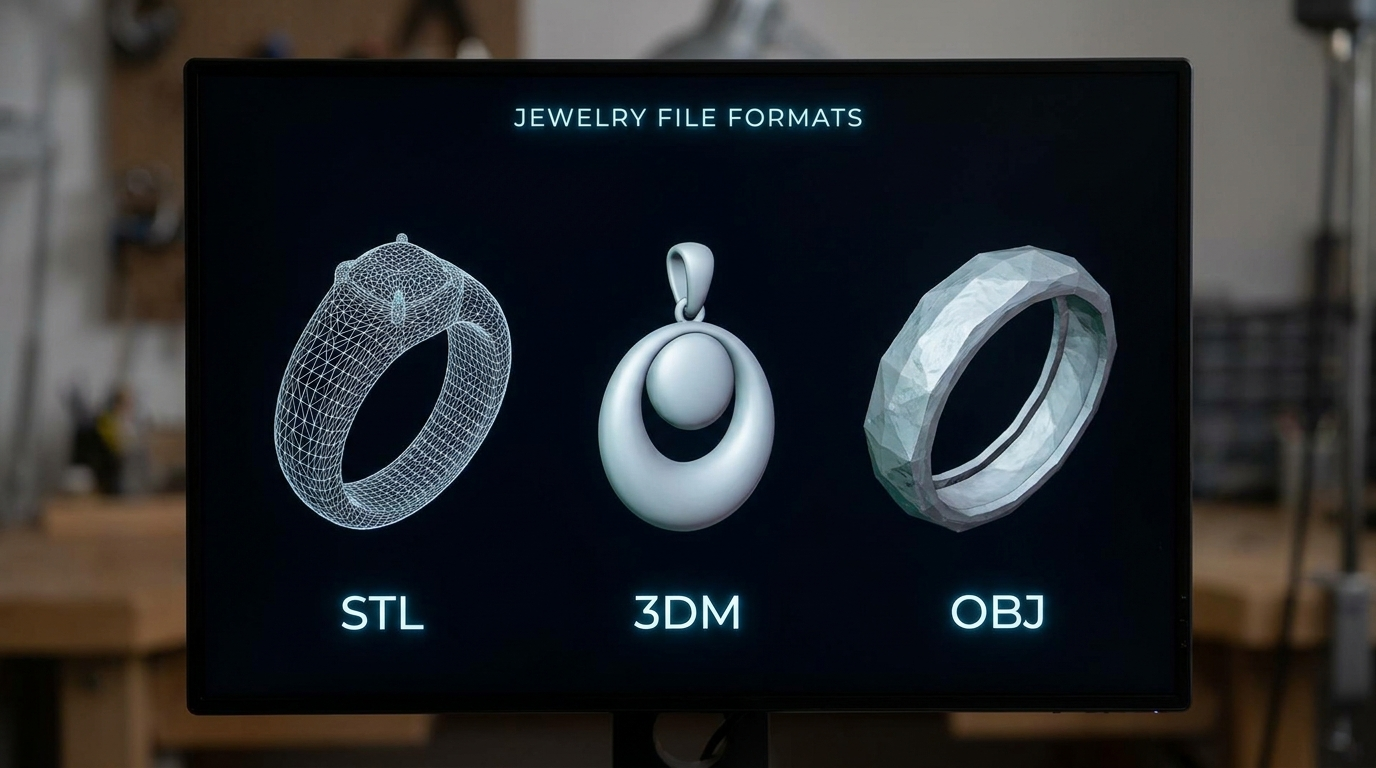
The 3D model (typically exported as an OBJ or GLTF file) is integrated into an AR platform, which uses the phone’s camera and hand-tracking to overlay the virtual jewelry piece onto the user’s real hand or ear in real time.
Why This Matters for eCommerce
AR try-on directly addresses one of online jewelry shopping’s biggest hesitations — not knowing how a piece will actually look worn. This can meaningfully reduce return rates and purchase hesitation compared to static images alone.
What's Needed to Enable AR Try-On
Beyond the base 3D model, AR implementation typically requires optimizing the file for real-time rendering performance (lower polygon count than a full photorealistic render) and integrating with a specific AR platform or app.
Is AR Try-On Accessible for Smaller Brands?
Increasingly yes — several jewelry-focused AR platforms now offer relatively accessible integration for brands of various sizes, rather than requiring custom-built AR infrastructure.
Frequently Asked Questions
- Do I need a separate 3D model for AR versus a marketing render?
Often a simplified version of the same base model is used, optimized for real-time performance rather than the highest possible visual fidelity.
- Does AR try-on work accurately for ring sizing?
Most current AR technology shows visual style and proportion well but is not typically precise enough to replace formal ring sizing for the actual purchase.
- Is AR try-on only useful for rings, or does it work for other jewelry types?
It’s used across rings, earrings, and necklaces, though tracking accuracy and platform support can vary by jewelry type.