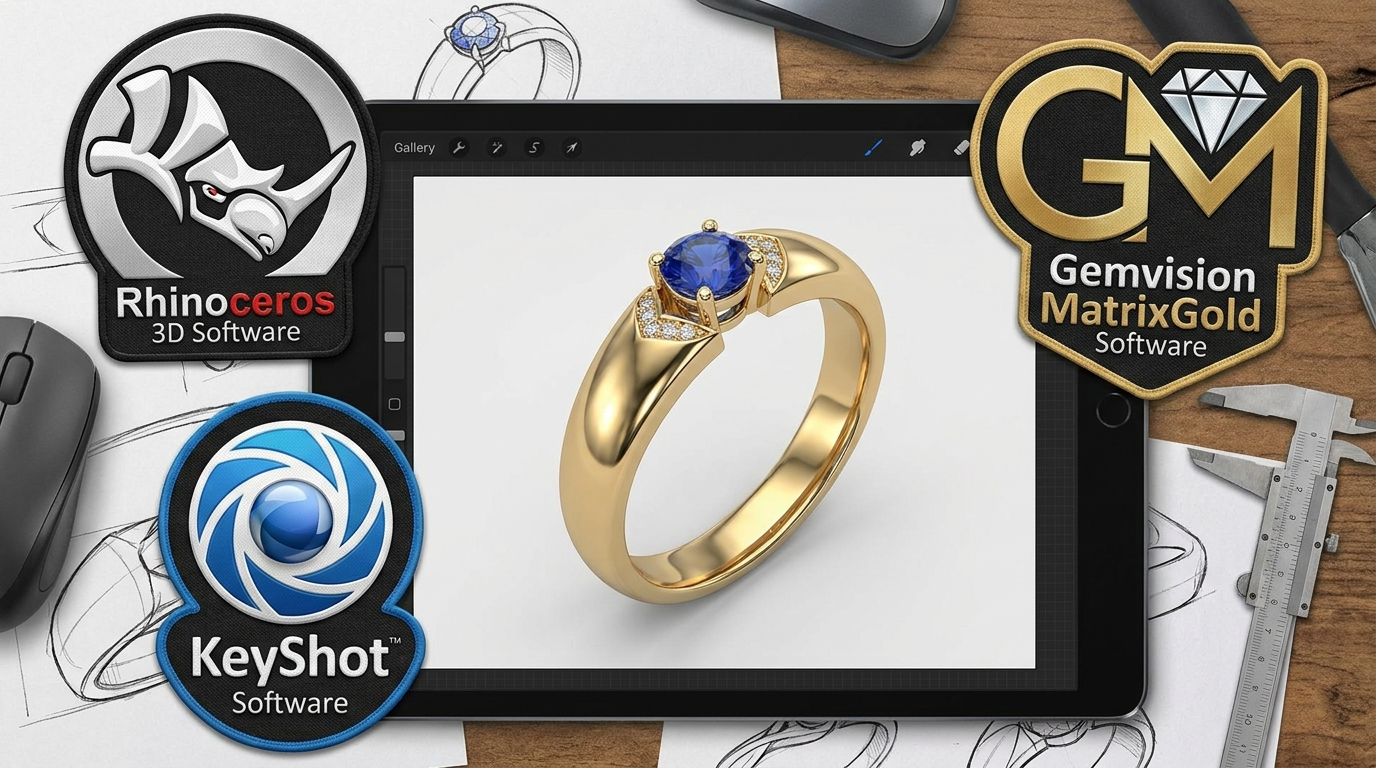
3D jewelry design software typically spans three categories — CAD modeling, rendering, and finishing/output tools — each contributing a different stage of the process from raw concept to manufacturing-ready file. Here’s what we use and why.
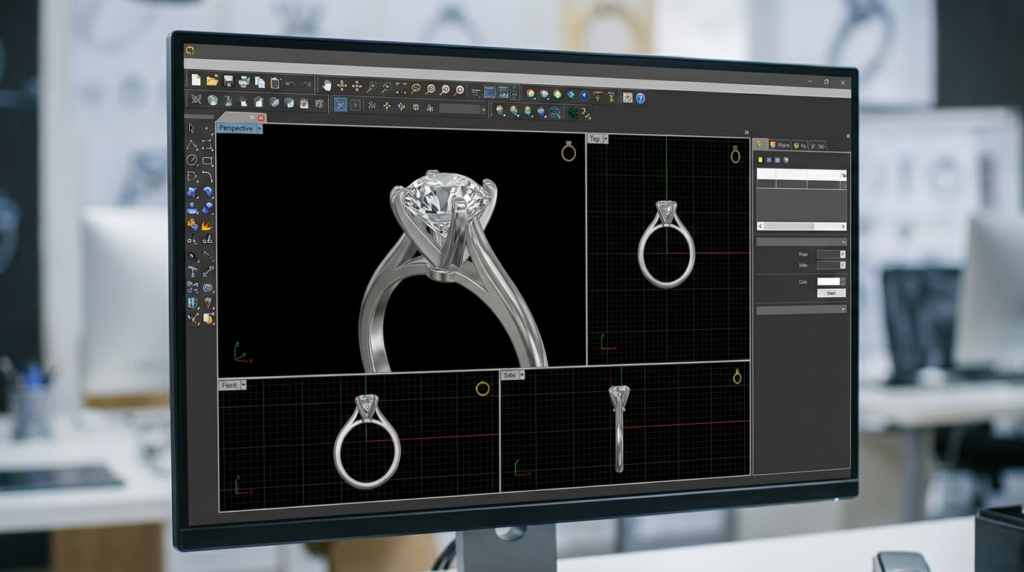
CAD Modeling: Rhino 3D & Matrix
The foundation of every project is precise CAD modeling. Rhino 3D provides the core surface-modeling engine, while Matrix (a jewelry-specific plugin) adds specialized tools for stone-setting, prong placement, and jewelry-specific geometry that general CAD software doesn’t include out of the box.
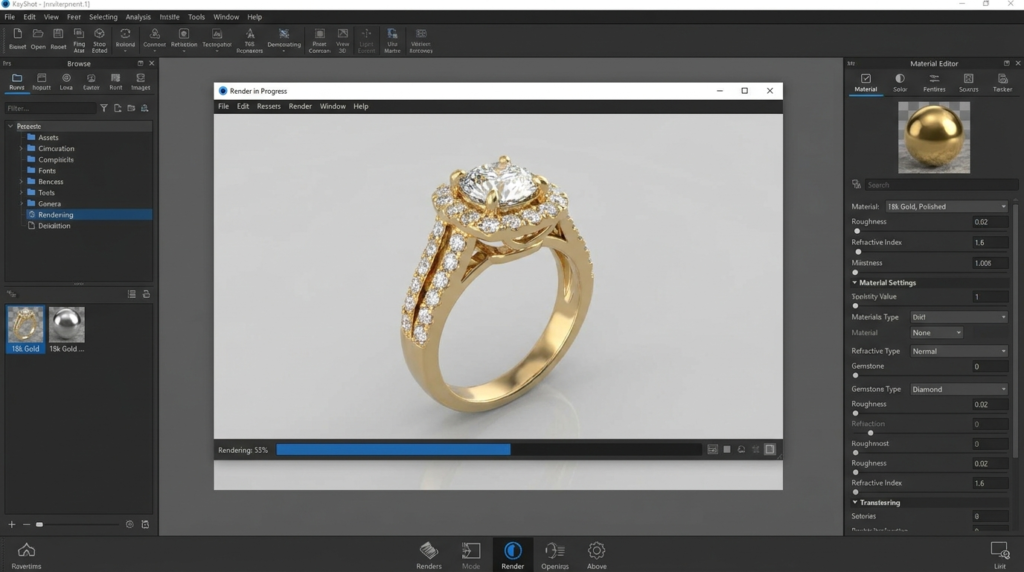
Rendering: KeyShot
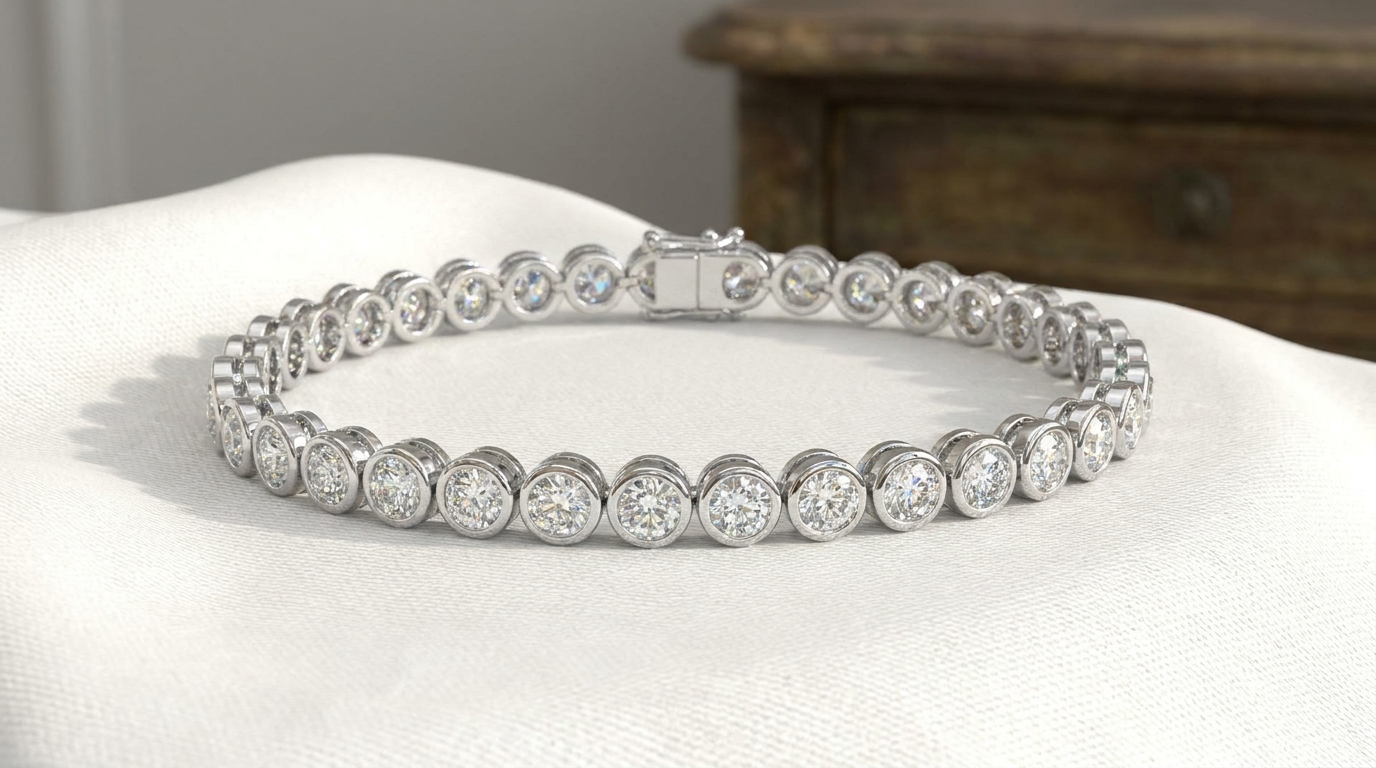
Once a model is complete, KeyShot handles photorealistic rendering — applying accurate metal and gemstone materials, studio lighting setups, and camera composition to produce marketing-ready images directly from the 3D file.
File Preparation: Materialise Magics
Before files go to manufacturing, Materialise Magics is used to check and repair mesh geometry — confirming watertight surfaces and correct wall thickness so files don’t fail during casting or 3D printing.
Editing and Finishing: Shotcut
For any animation or video-based deliverables (like 360° views), Shotcut is used for final compilation and editing of rendered frame sequences into finished video files.
Why Tool Choice Matters
Using jewelry-specific plugins (like Matrix) rather than generic CAD software matters because jewelry design has unique requirements — accurate stone-seating geometry, prong calculations, and metal-specific tolerances that general-purpose 3D software isn’t built to handle natively.
Frequently Asked Questions
- Do all 3D jewelry designers use the same software?
No — tool choice varies by studio, though Rhino/Matrix and KeyShot are among the most widely used in the jewelry CAD industry specifically.
- Does the software used affect the final file quality?
Yes, to some degree — jewelry-specific plugins generally produce more manufacturing-accurate geometry than general-purpose 3D modeling tools alone.
- Can files be moved between these different software tools?
Yes — standard formats like STL and 3DM are designed to be compatible across most professional CAD, rendering, and manufacturing-prep software.