Necklace design CAD projects are either a single sculpted piece or a chain built from repeating links — and in both cases, how the necklace drapes on the body matters as much as how it looks flat.
Chain Links and Repetition
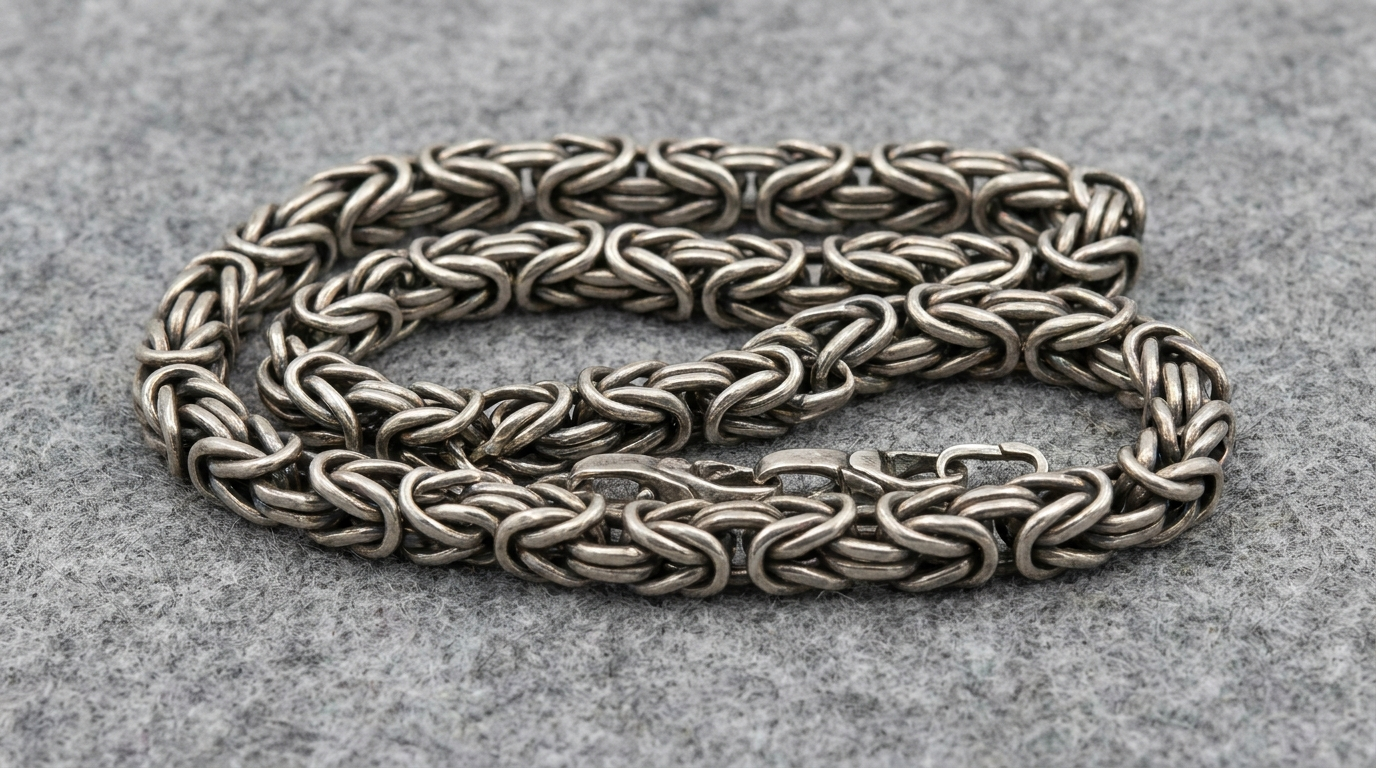
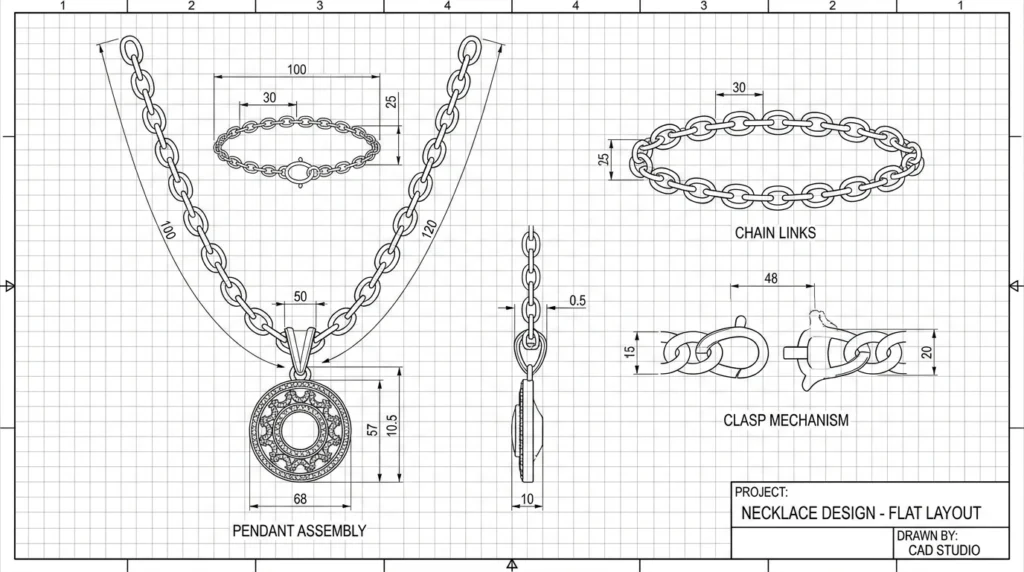
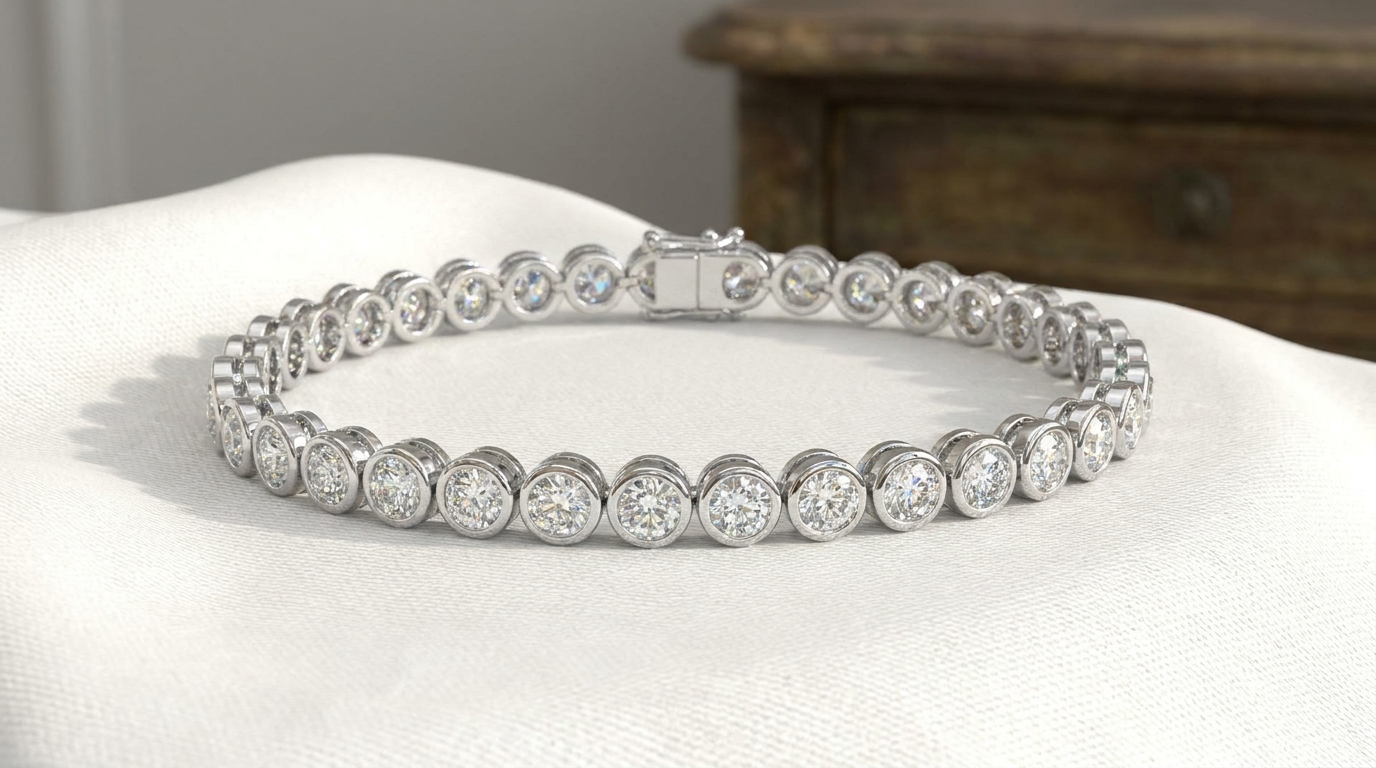
Repeating links are modeled once and patterned along the length, so consistency is excellent. Each link needs enough clearance to articulate without binding.
Length and Drape
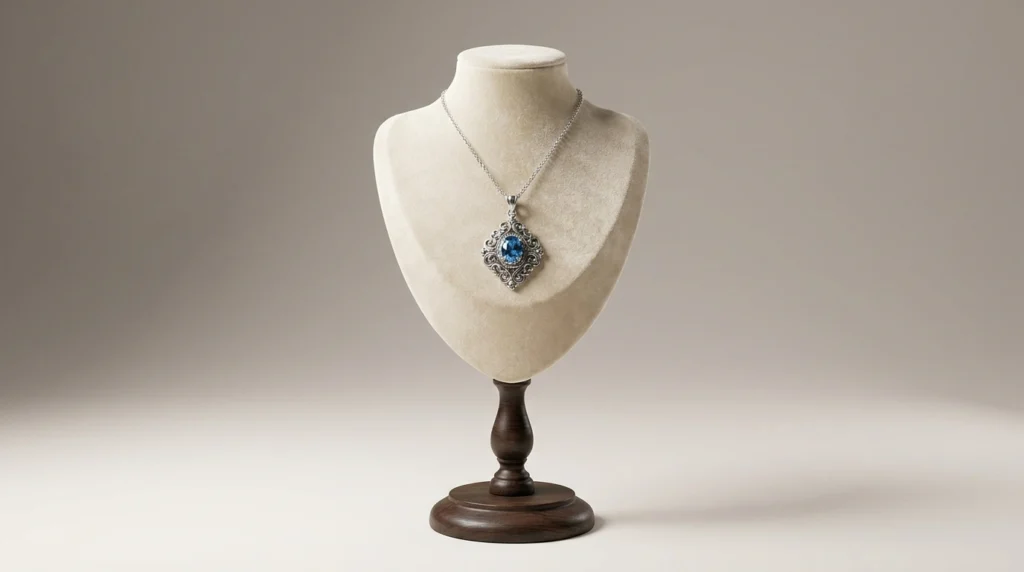
Specify the target length (16″, 18″, 20″) and where the focal point should sit. A heavy centerpiece changes how the whole chain hangs.
Clasp Placement
The clasp should be easy to operate and sit unobtrusively at the back. Matching the clasp’s visual weight to the necklace avoids an awkward look.
Strength at Connection Points
Links, jump rings, and clasp attachments are where chains fail. Modeling these with adequate thickness prevents breakage in real wear.
Frequently Asked Questions
- Can a necklace have an adjustable length?
Yes, by adding extension links or a sliding mechanism, which should be planned in the design.
- Is a chain harder to model than a pendant?
Simple chains are quick, while intricate woven styles take more time.
- Can I preview how a necklace drapes?
Draped renders on a neck form give a realistic preview of how it will hang.