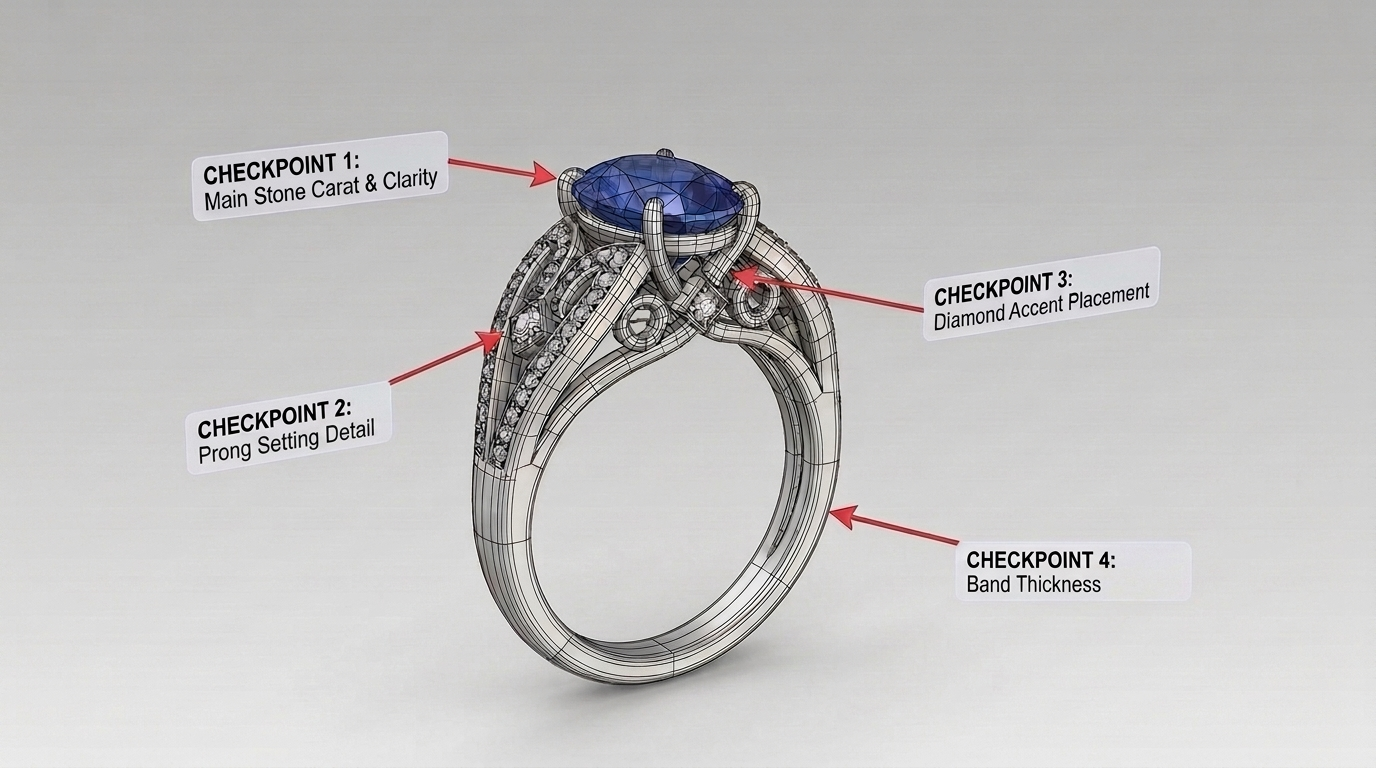
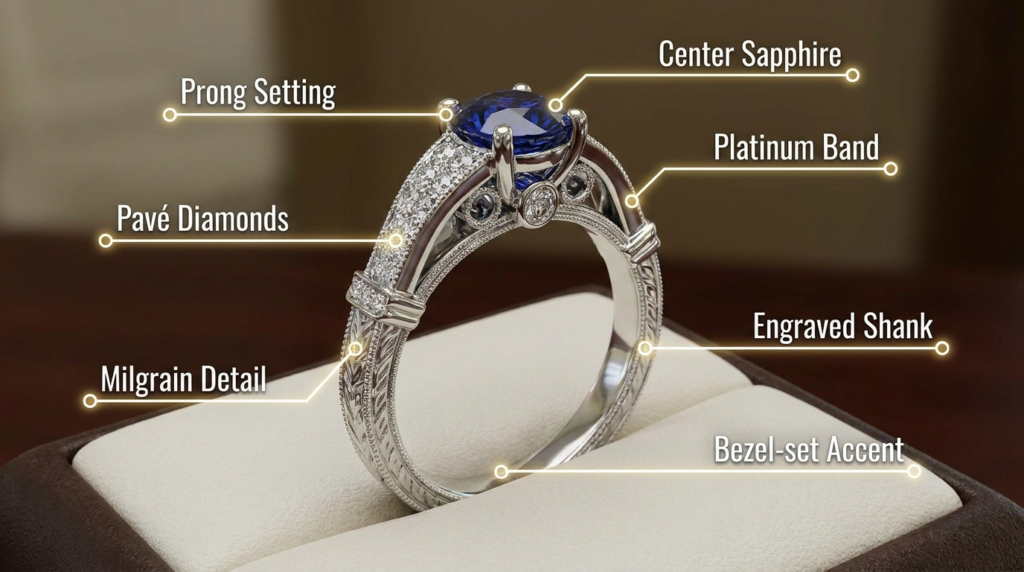
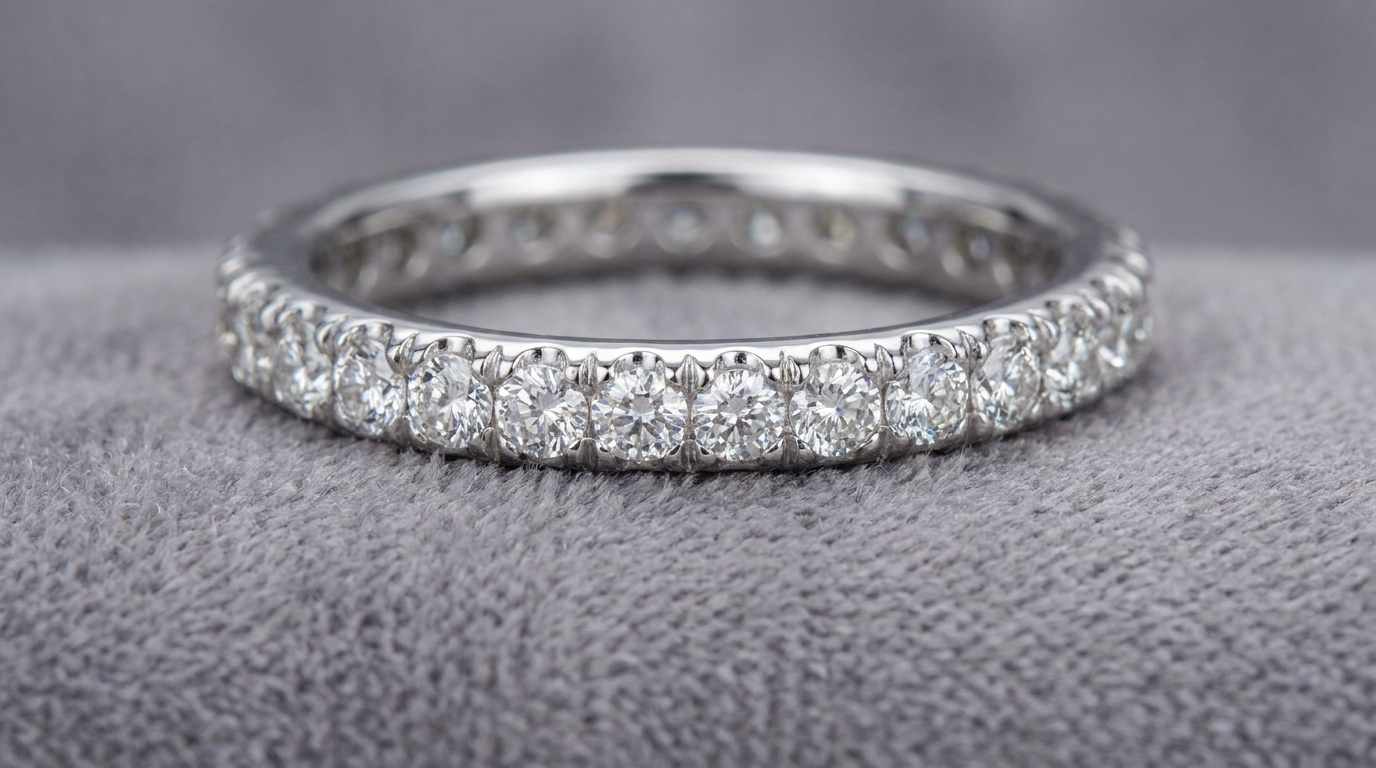
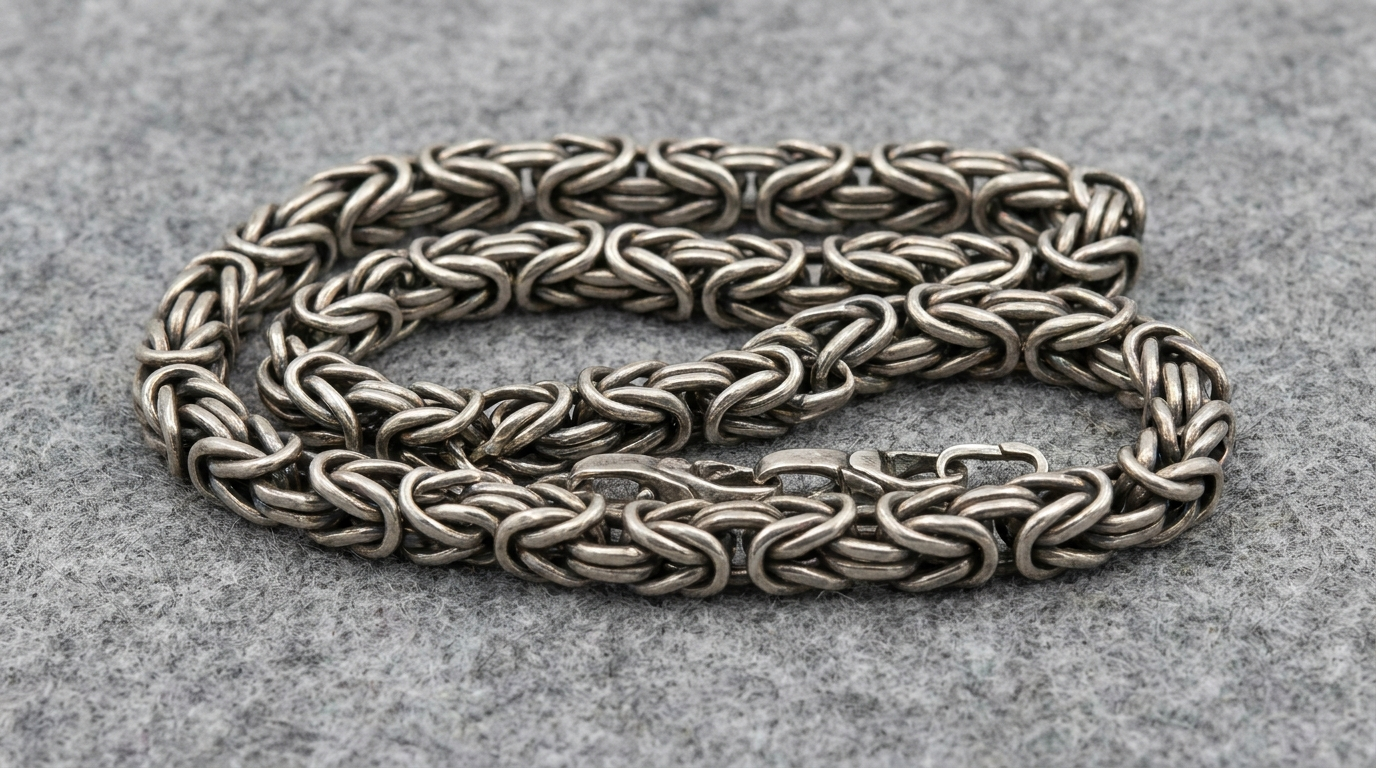
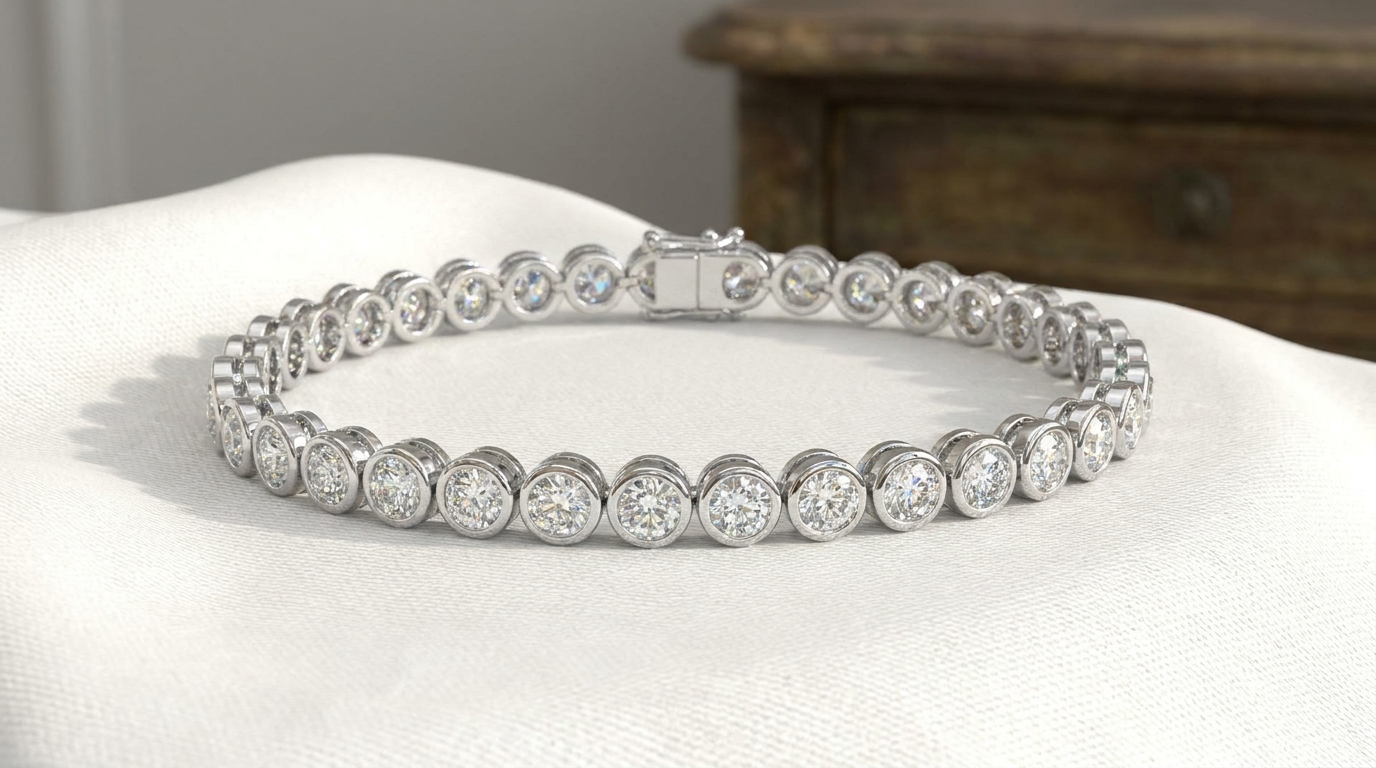
Knowing how to review a 3D jewelry render properly — checking proportions, stone placement, metal finish, and structural details from every angle — prevents costly surprises once a design moves into physical manufacturing.
Check Proportions Against Real-World Scale
A render on screen can be misleading in scale — request measurements alongside the visual (band width in mm, stone carat weight) rather than judging size purely by how it looks on screen.
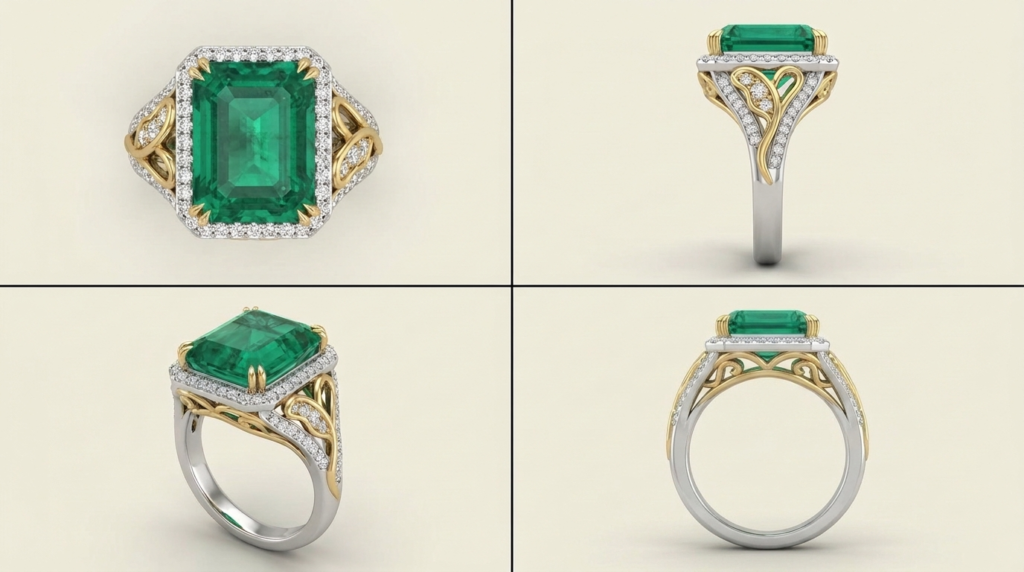
Review From Multiple Angles, Not Just the Hero Shot
A single flattering angle can hide issues visible from other perspectives — always request front, side, and top-down views before approving, since these can reveal profile or proportion issues a single angle wouldn’t show.
Verify Stone Placement and Setting Details
Confirm stone count, placement, and setting style match your specifications exactly — this is also the stage to catch any setting-type miscommunication before it becomes a costly manufacturing correction.
Confirm Metal Color and Finish
Rendering accurately represents metal color, but confirm explicitly which metal (and finish — polished, matte, brushed) the render represents, since this detail can sometimes be assumed rather than stated.
Ask About What Changes Between Render and Final Physical Piece
Understand in advance whether any aspects (subtle finish variation, minor casting characteristics) might differ slightly between the digital render and the final physical piece — setting accurate expectations before approval.
Frequently Asked Questions
- Should I request a physical sample before final approval for a large production run?
For larger runs, yes — a single physical sample verifies fit, weight, and finish beyond what a render alone can confirm.
- What’s the most commonly missed detail when reviewing a render?
Profile/side proportions are often missed when reviewers only look at the front-facing hero shot.
- Can changes still be made after I approve the render?
Generally, approval signals the design is finalized for production — any changes after this point may incur additional cost or delay.